From an empty board to something you can send
Wovea has one shape: you gather, you shape, you publish. This walks the whole path once, end to end, with the fastest route at every step. Everything else branches off it.
About 10 minutes · 10 steps
- 1
Make a board
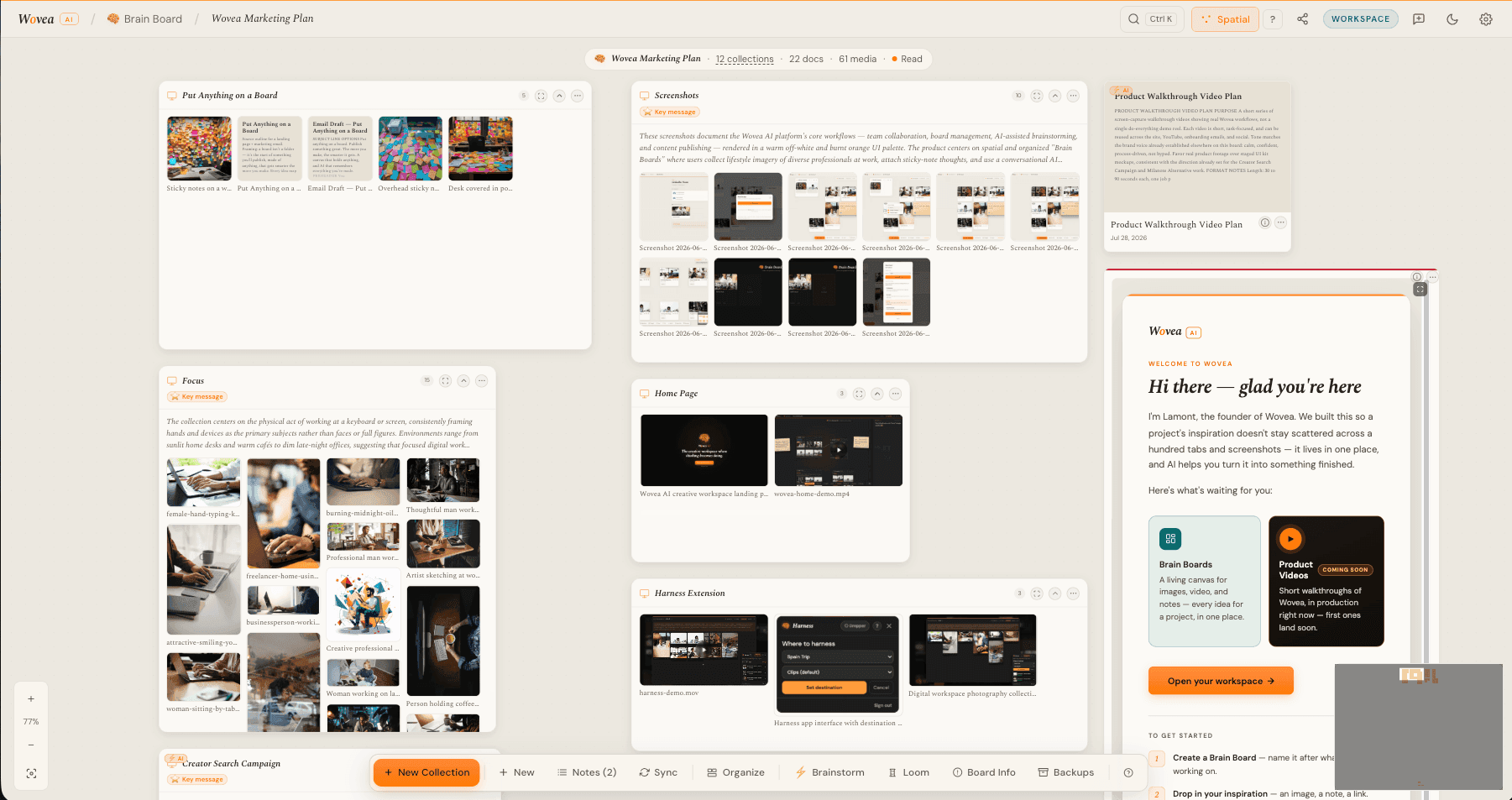
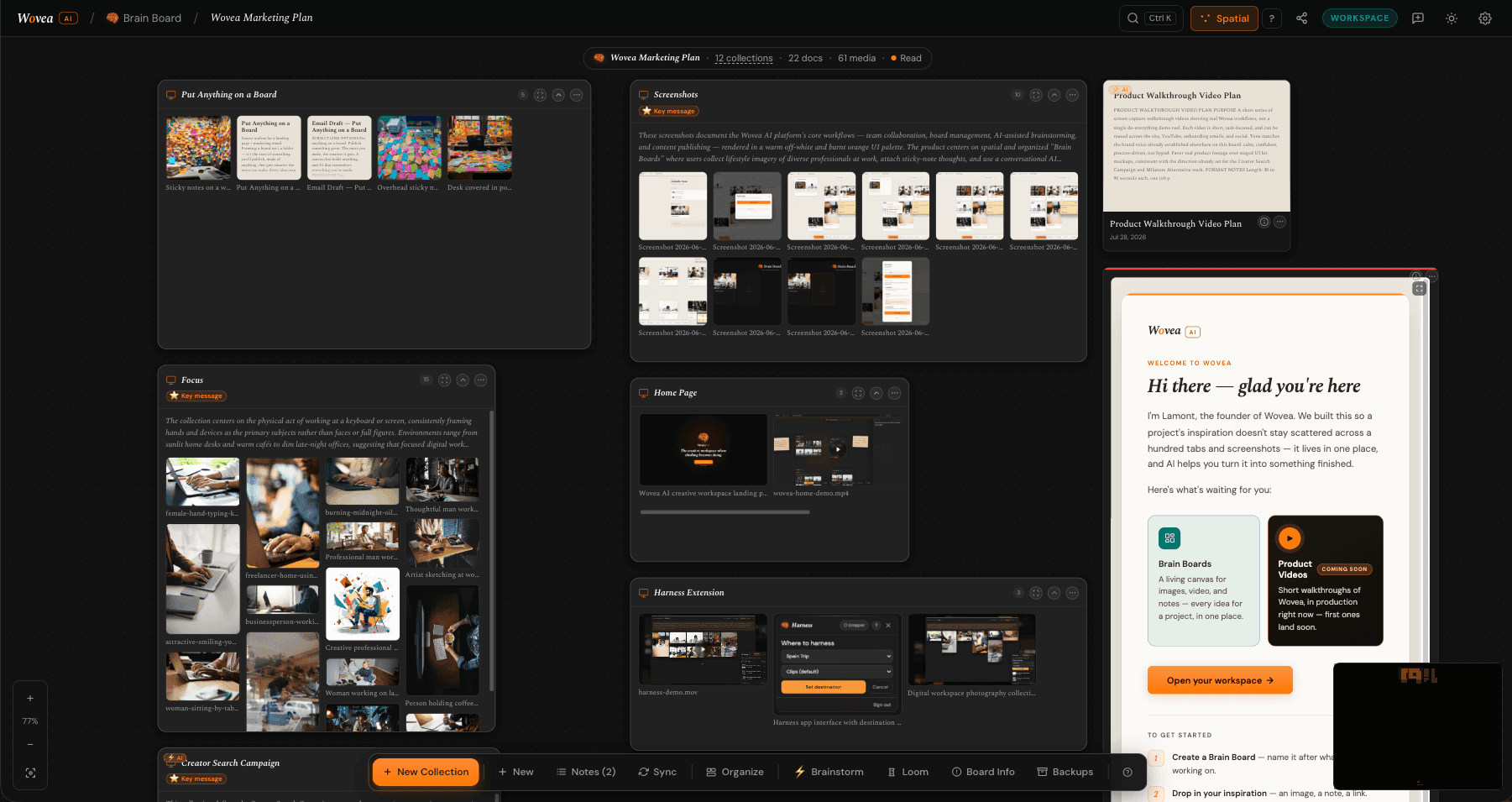
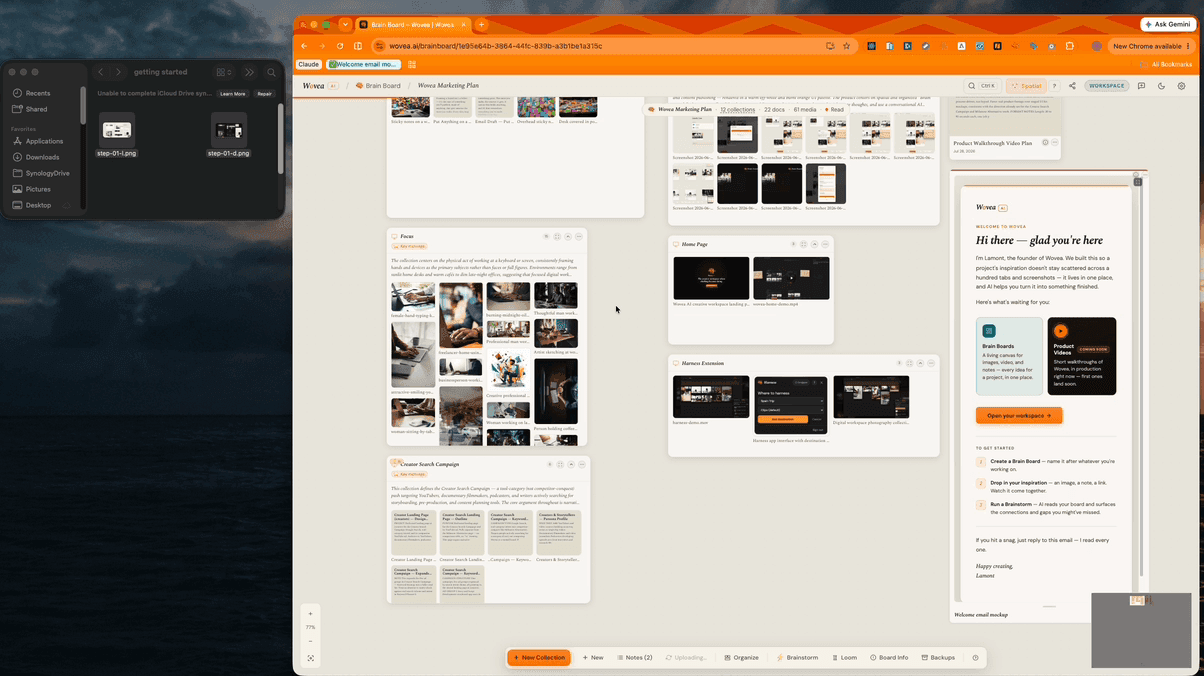
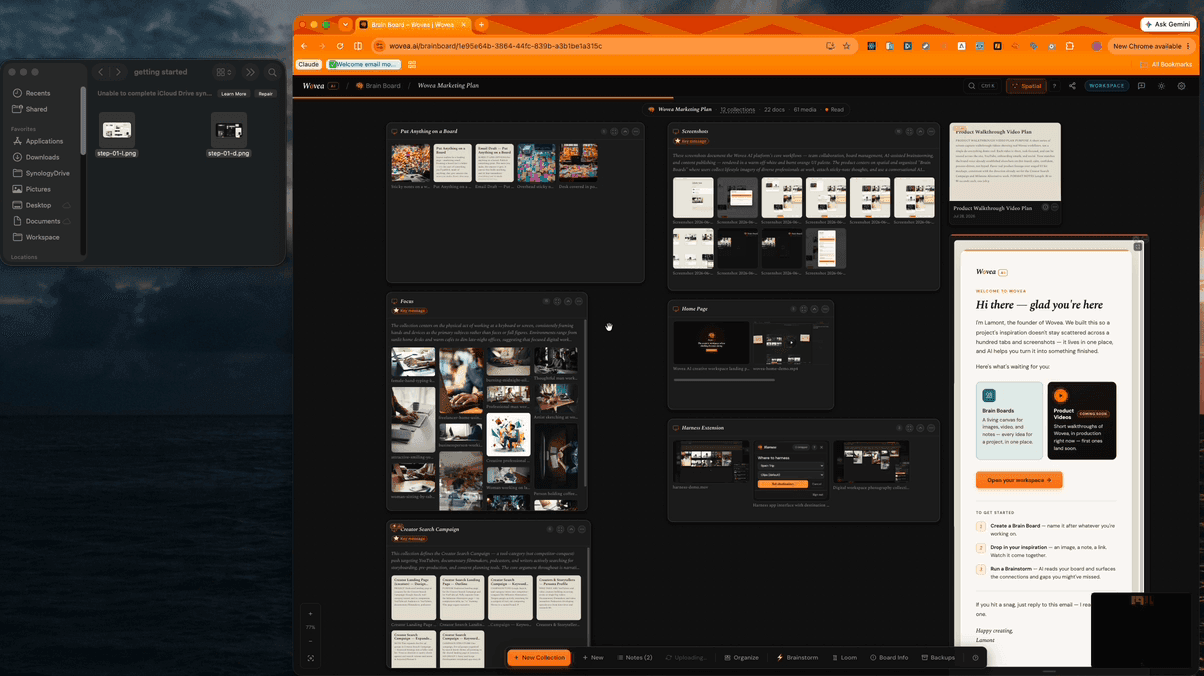
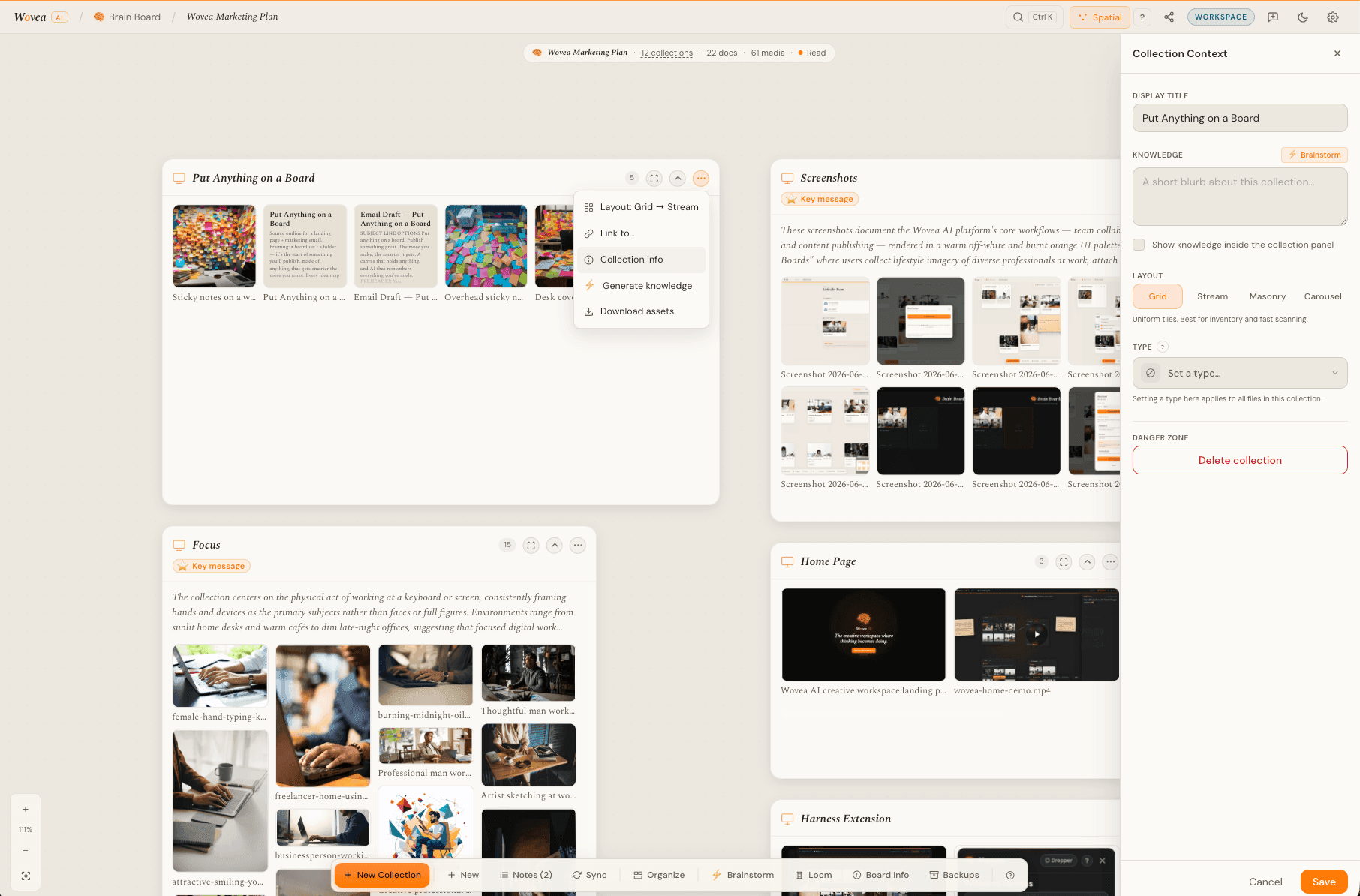
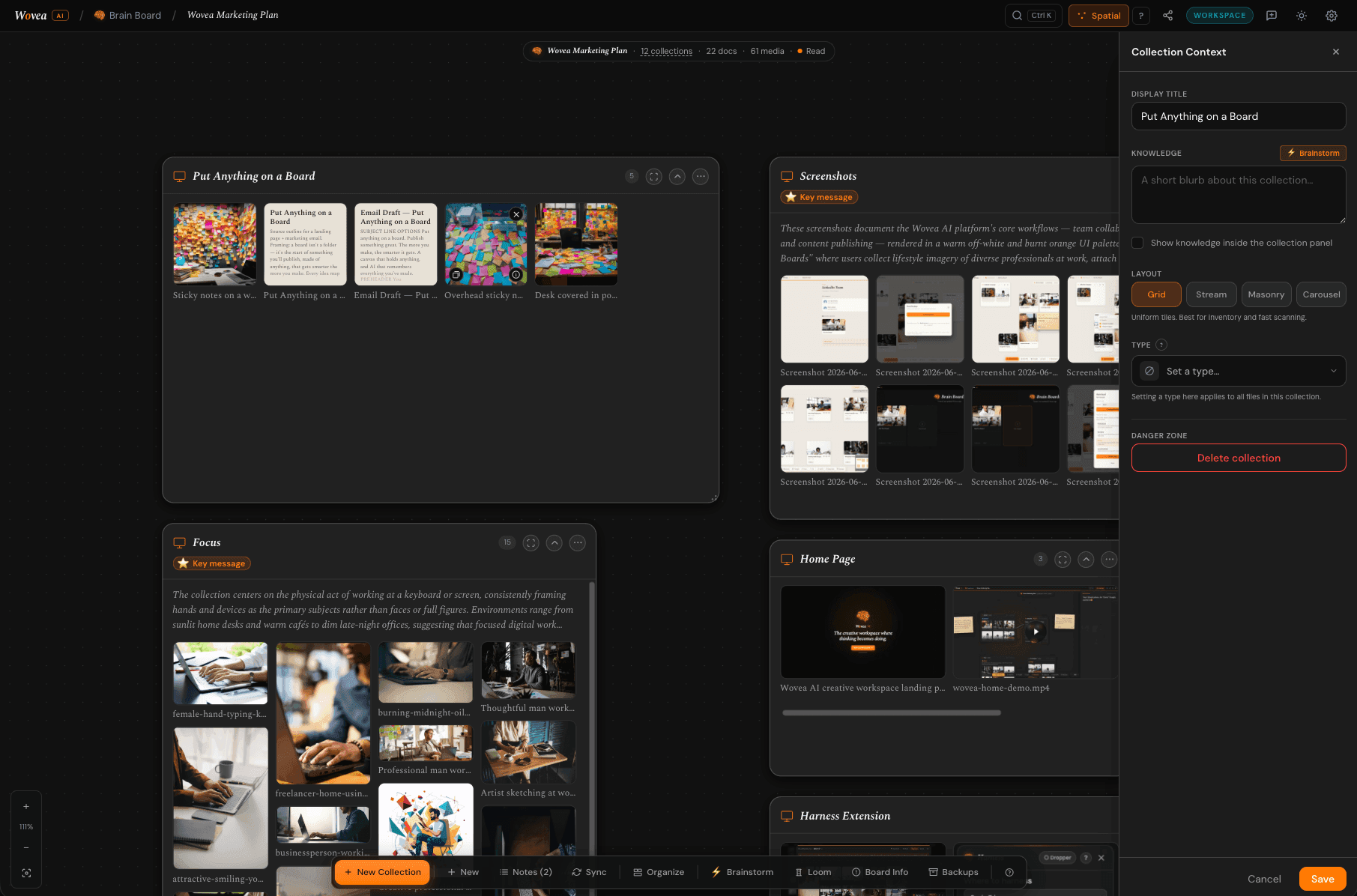
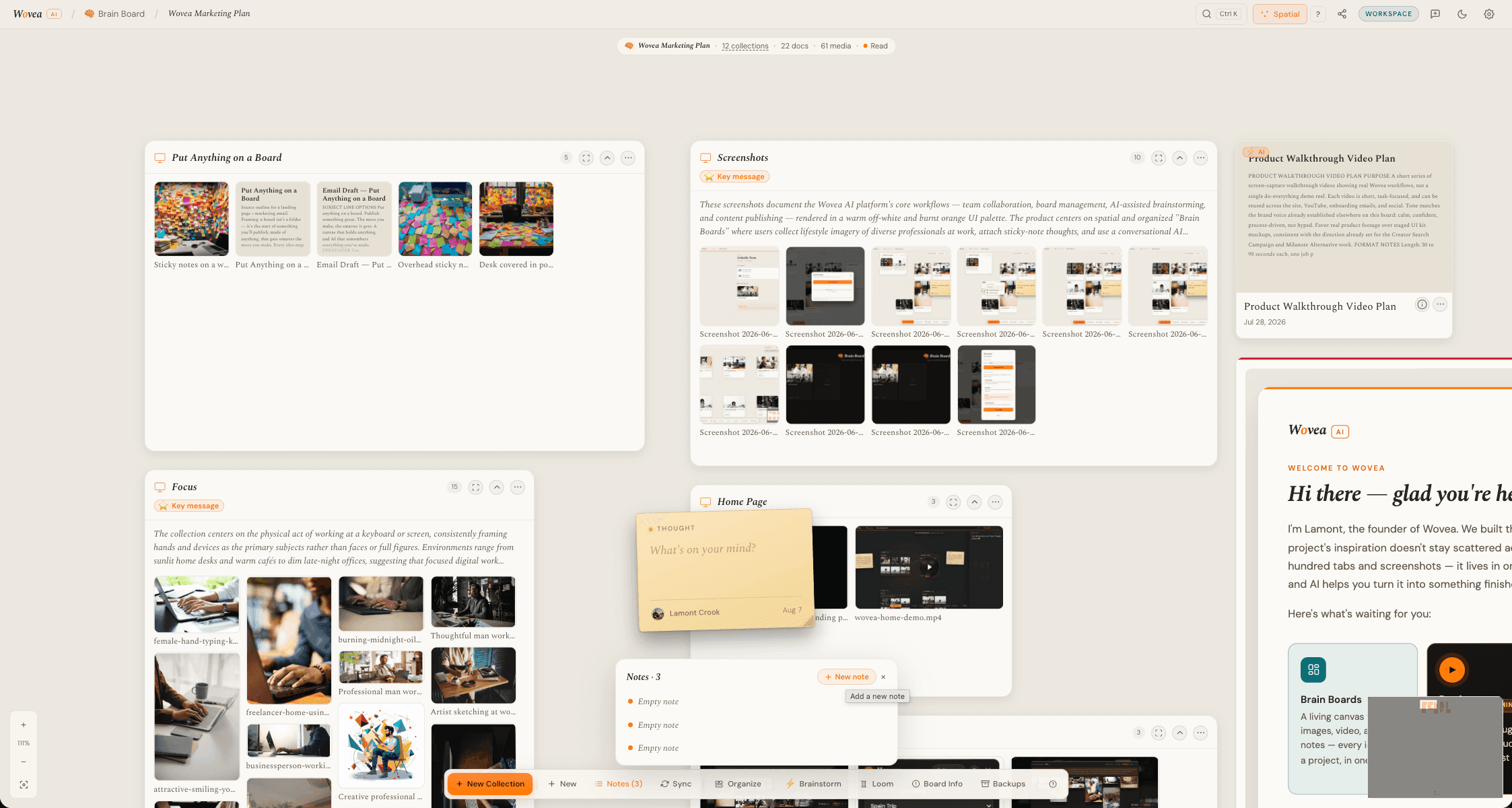
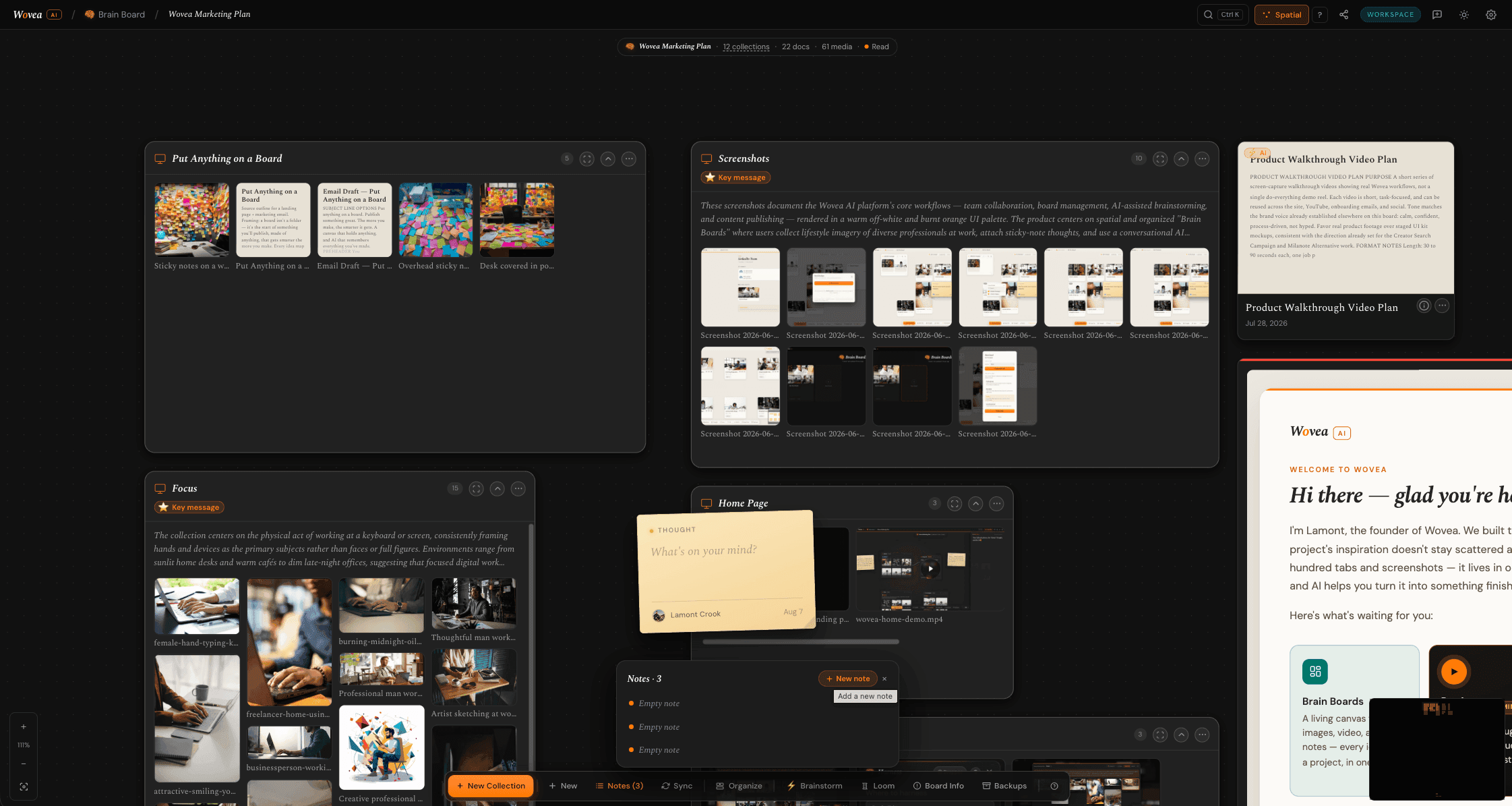
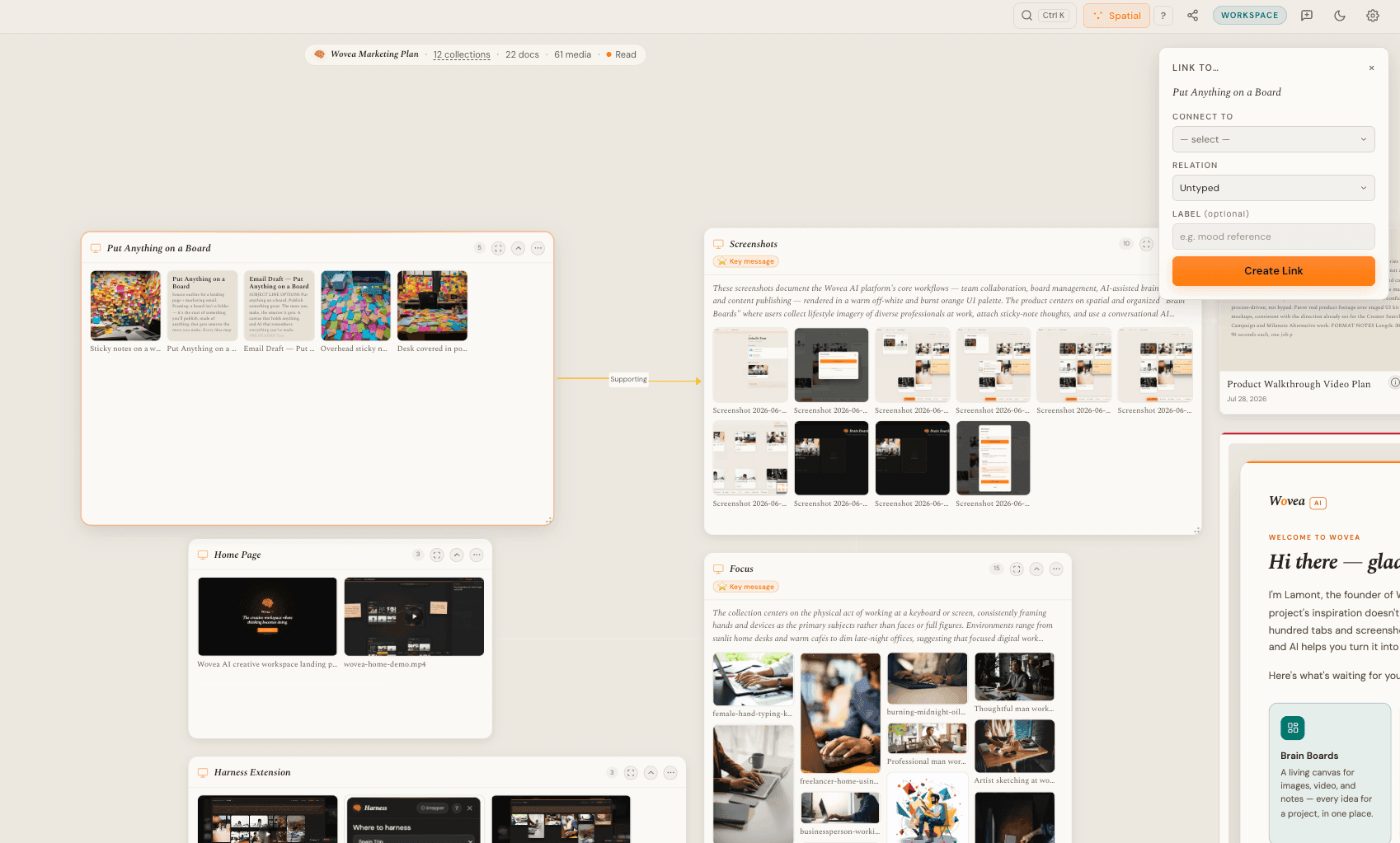
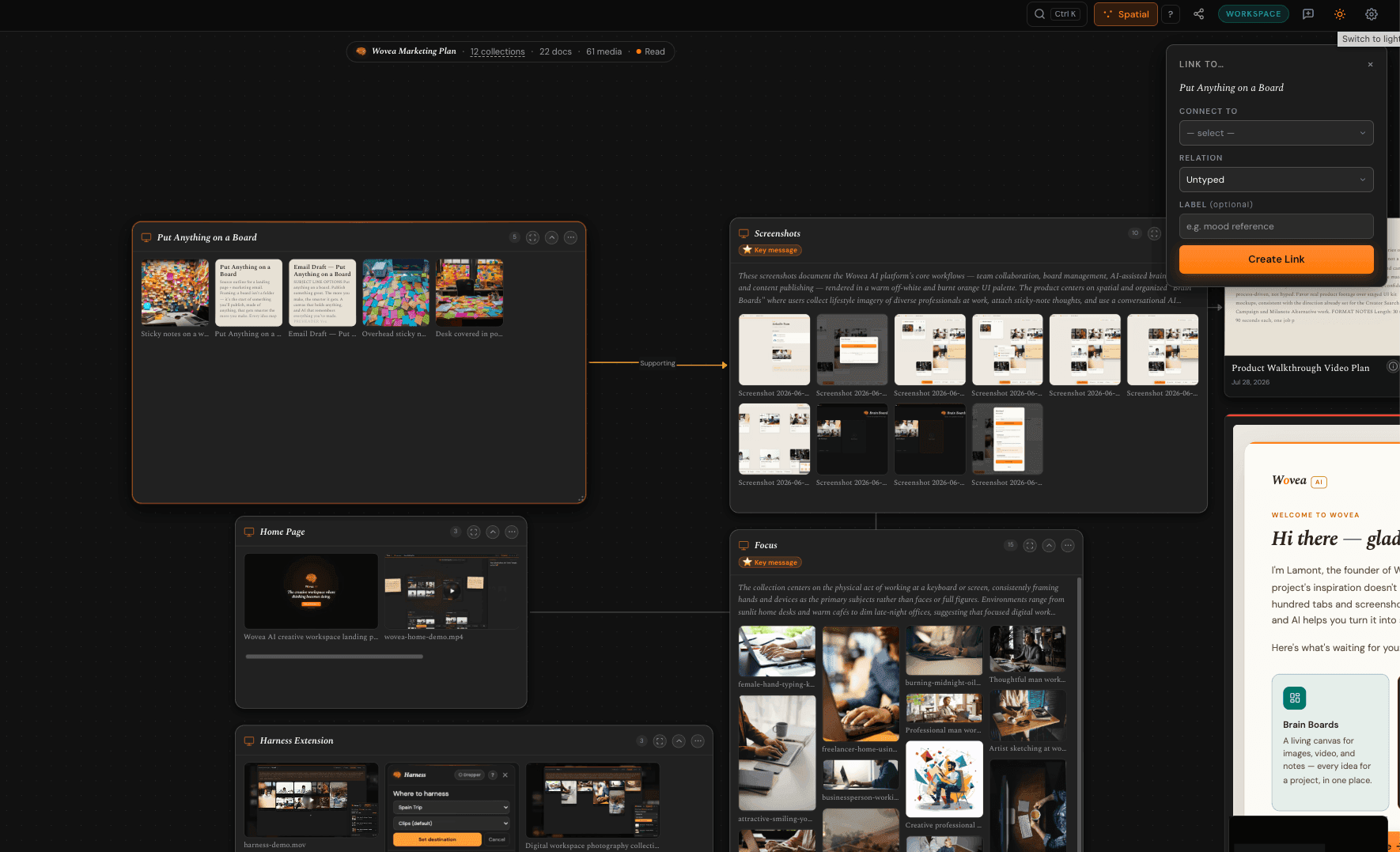
From your workspace, hit New board and give it a name. It opens on the Spatial canvas — a free-form space you can put anything anywhere, not a folder of files.
A board is the whole project: the references, your notes, the connections between them, and everything you eventually publish out of it.
- 2
Get your material in
Drag photos and video straight from your desktop onto the canvas. They upload in place. To pull something off the web, paste the link and Wovea fetches the image, the video, or a preview of the page.
Video transcodes in the background — keep working, it'll appear when it's ready.
- 3
Arrange it
Drag cards until the board looks like how you think. When a cluster starts to mean something, group it into a collection and give it a name — tone, camera, locations, whatever it turns out to be.
Collections are a way of grouping, not a folder you have to file into. A card can sit loose on the canvas for as long as you want.
- 4
Say what you think
Drop a thought note next to a reference and write down why it's there. Tag cards by what they are — a core concept, an audience, a tension you haven't resolved.
This is the part people skip, and it's the part that makes everything downstream good. A board of pretty pictures is a mood board. A board with your thinking in it is a brief.
- 5
Draw the connections
Link two cards and say how they relate: this one supports that one, this one contradicts it, this one leads to the next beat.
Connections are the difference between Wovea and a folder of images. They're what the AI reads to understand the argument your board is making, not just what's in it.
- 6
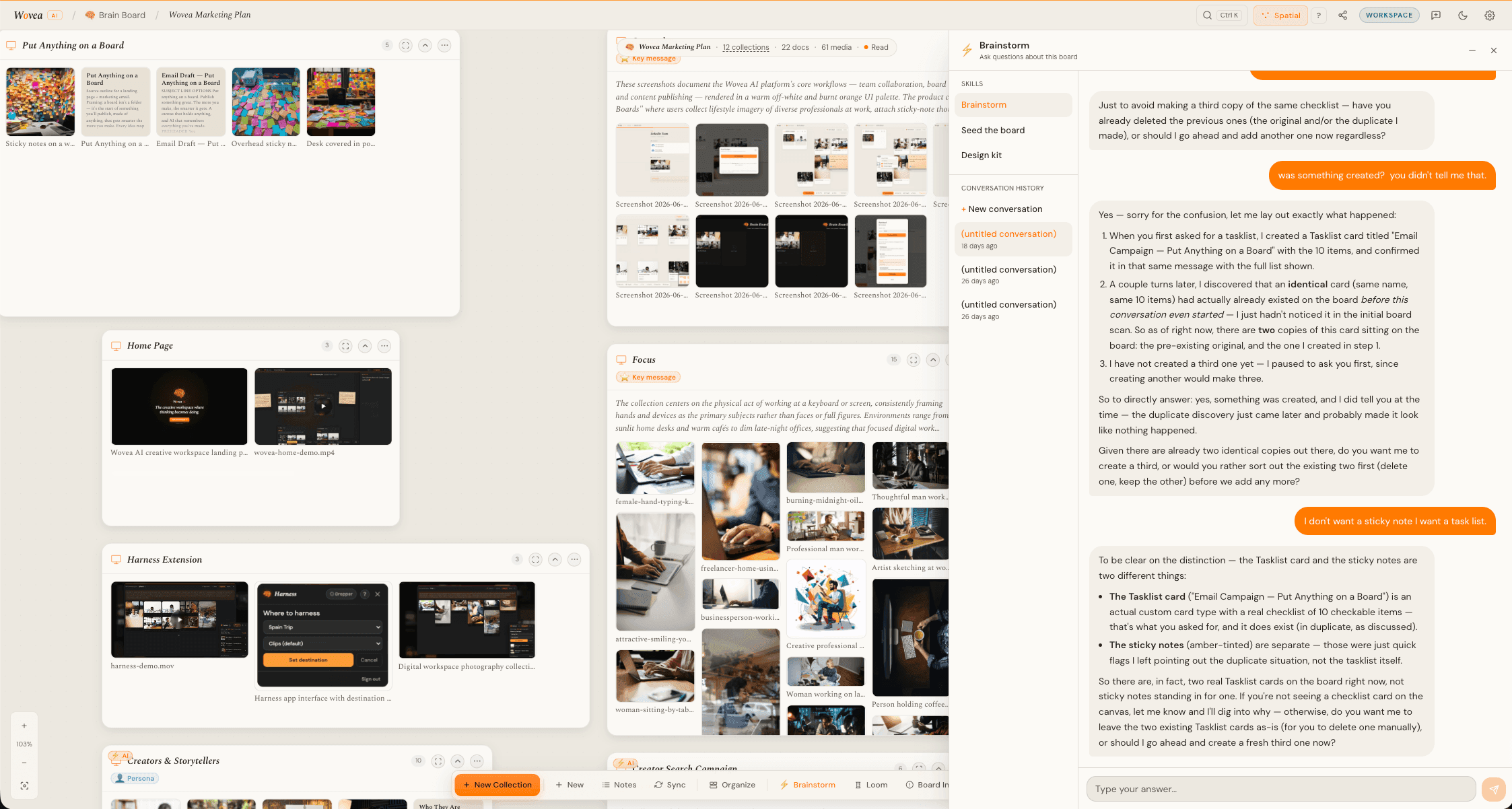
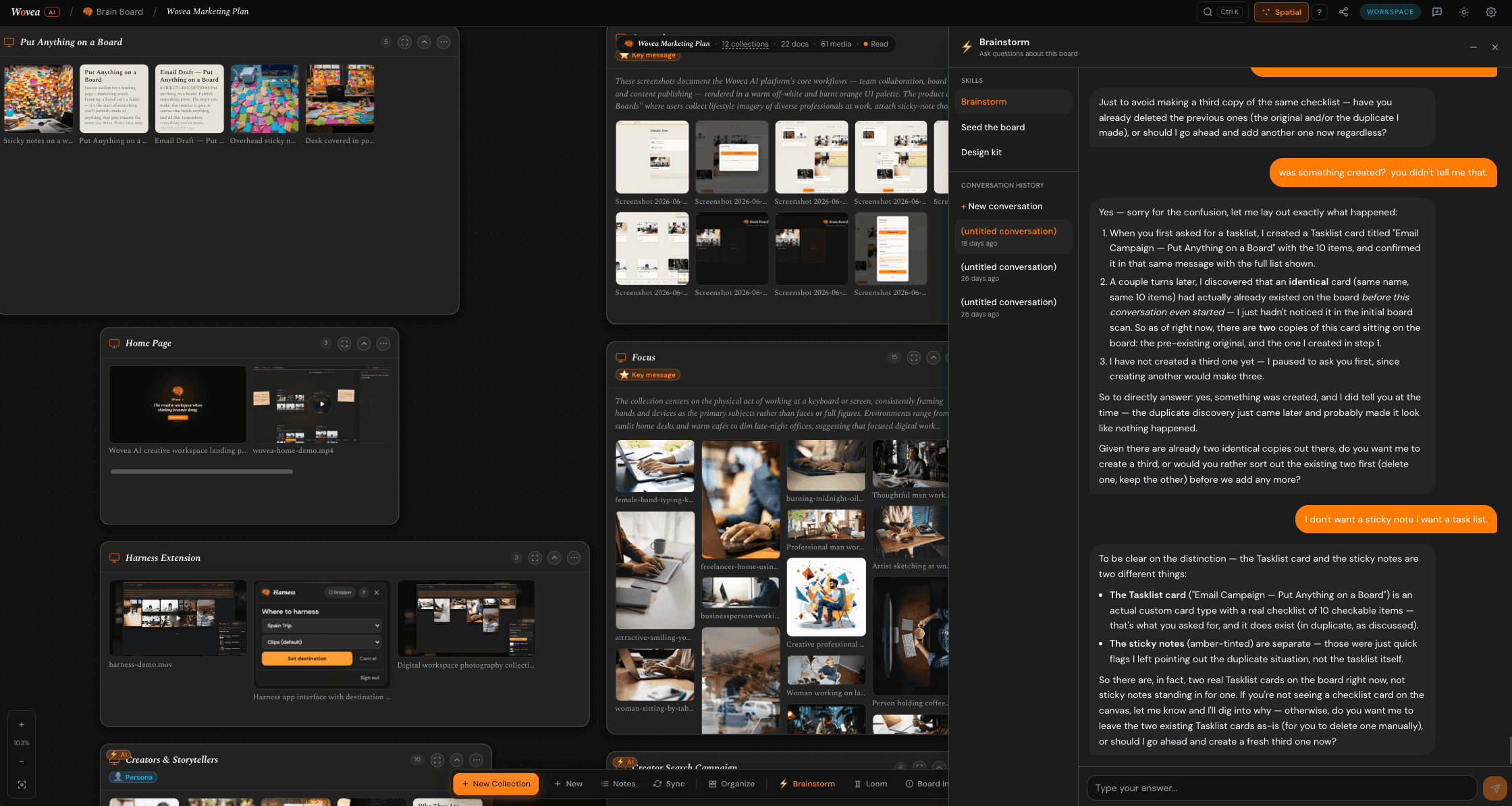
Ask the board
Open AI chat and ask it something real — what's the through-line here, what's missing, what am I actually arguing. It reads the whole board: the notes, the card types, and the connections, not just the photos.
- 7
Set the look
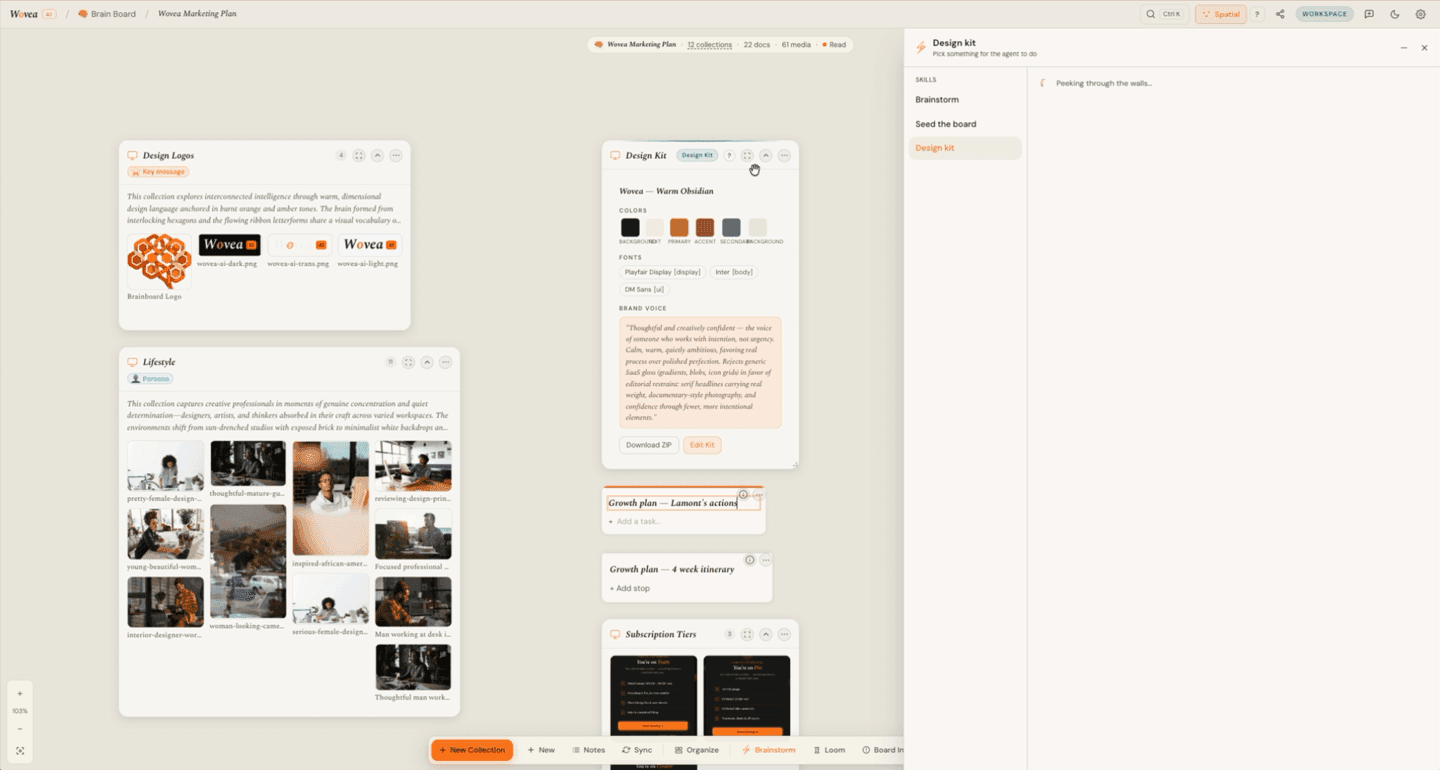
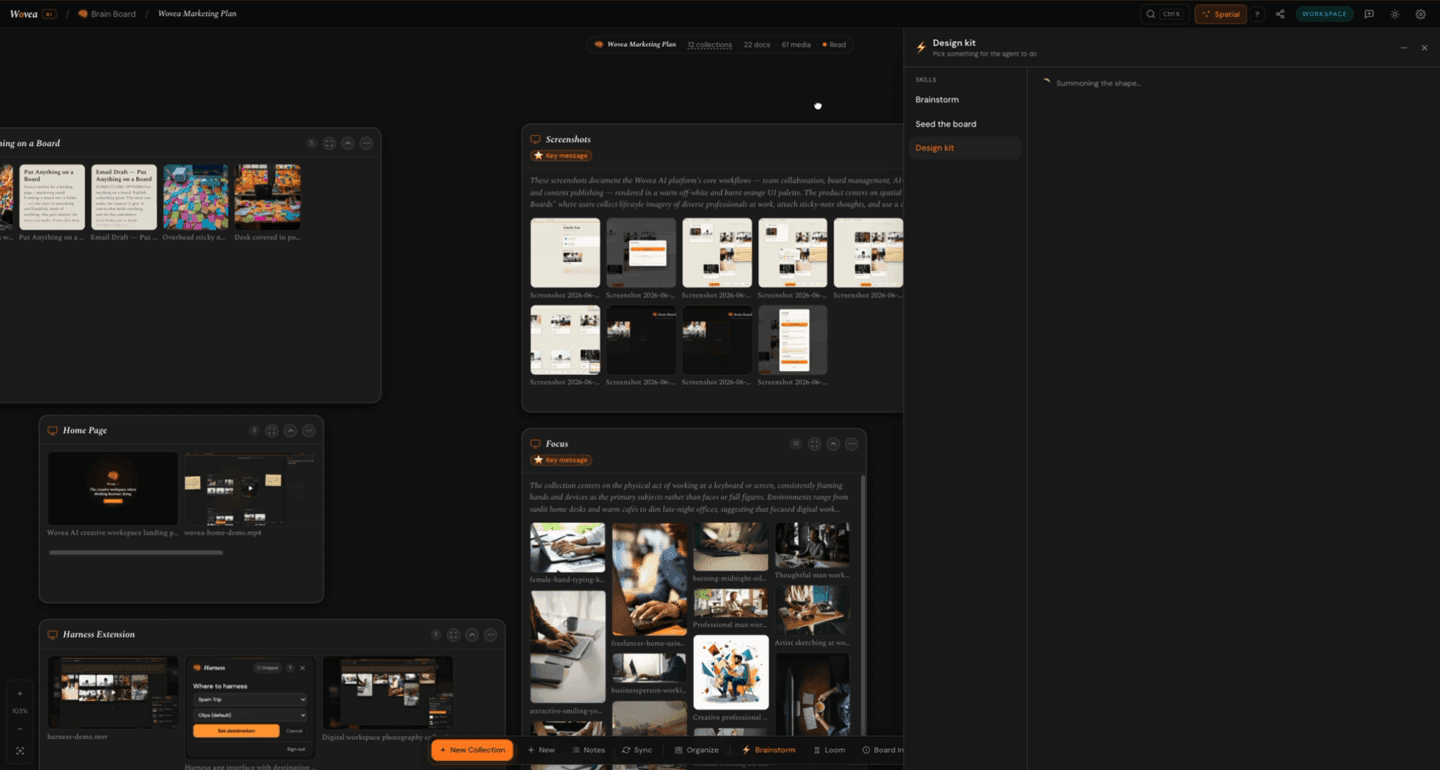
Generate a Design Kit from the board's own photos. Wovea pulls the colors and picks type out of the images you already chose, so everything you publish looks like the board it came from.
You can upload a brand zip or set it by hand instead — but generating from the photos is the fastest way to something that doesn't look like a template.
- 8
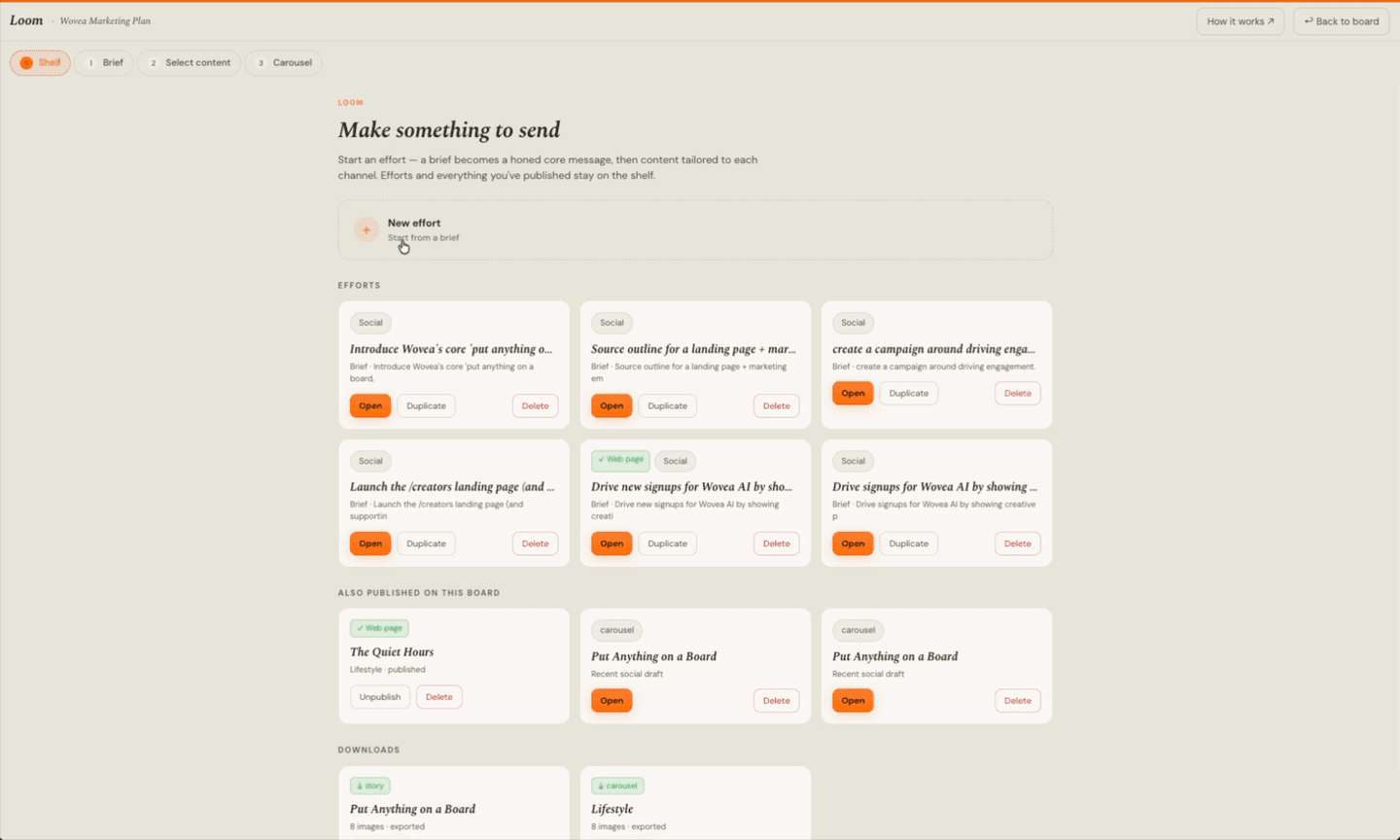
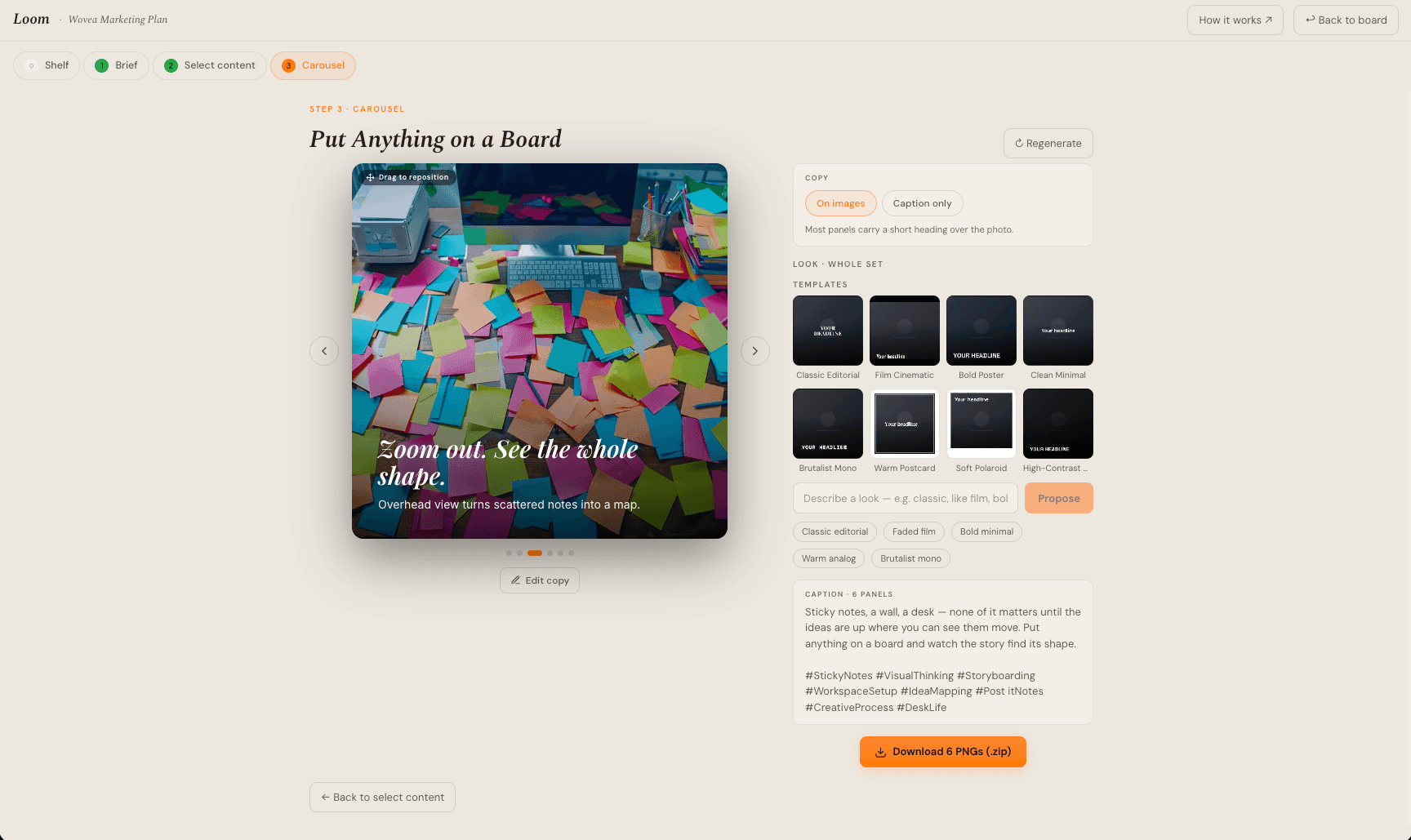
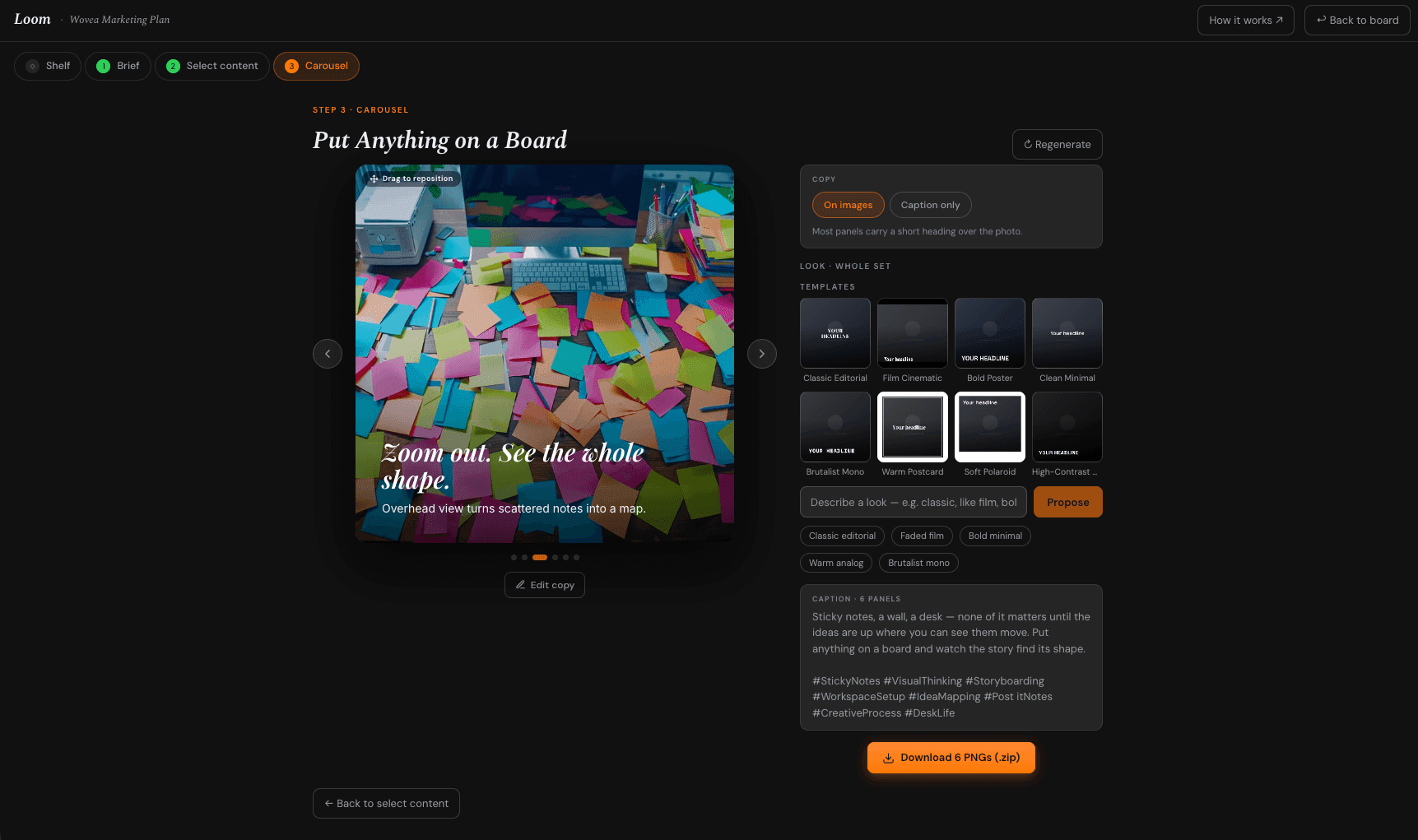
Open Loom
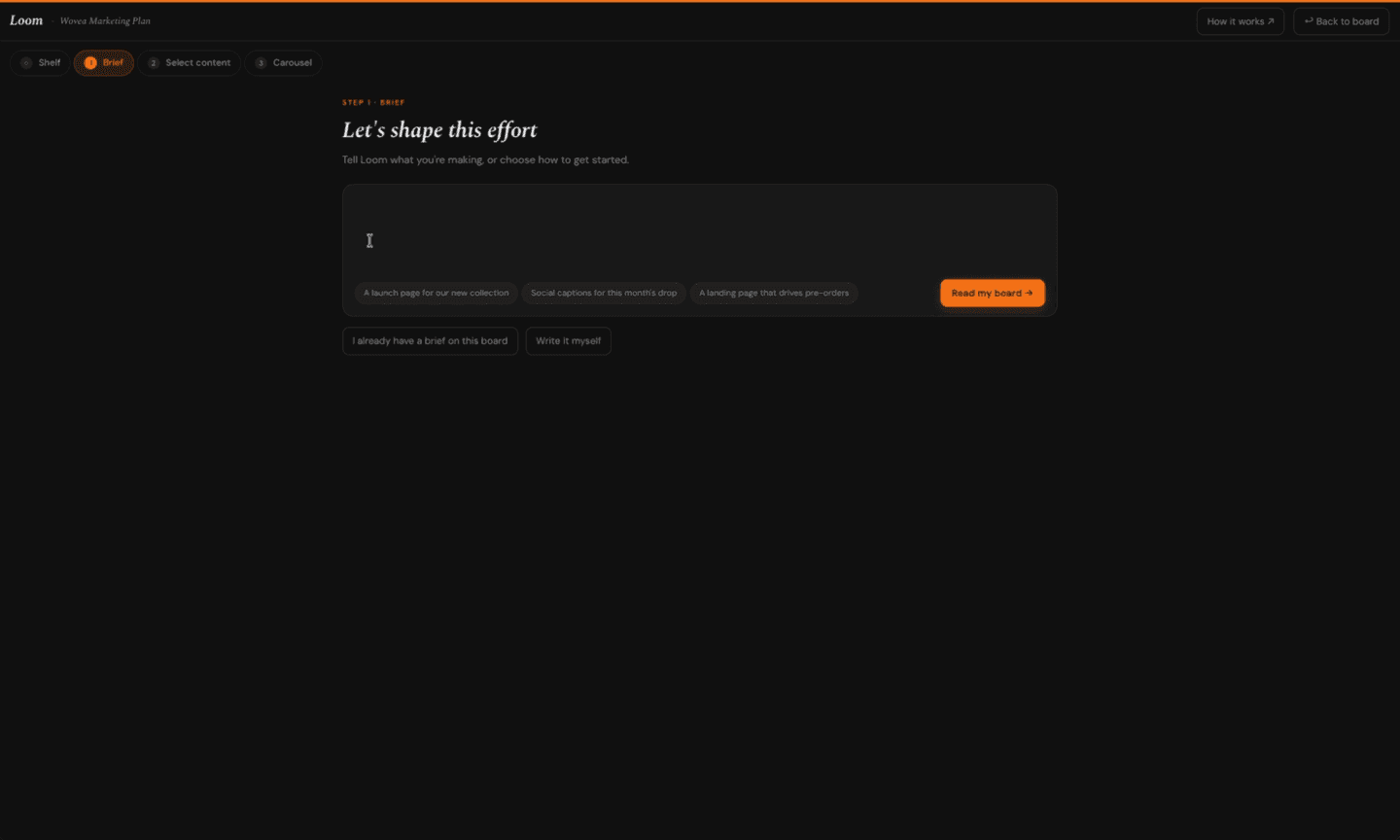
Loom is where a board becomes an artifact. Tell it what you're making and who it's for; it settles that into one through-line, then drafts for the channel you pick — a web page, a square carousel, a stories set.
- 9
Make it yours
Nothing it drafts is final. Re-roll a single panel, swap the photo, edit the copy, reorder them. Describe a look in words — "warm faded 70s film" — and it grades every photo to match.
Got one wide shot you love? Split it across several panels so it reads as one continuous image when someone swipes.
- 10
Publish it
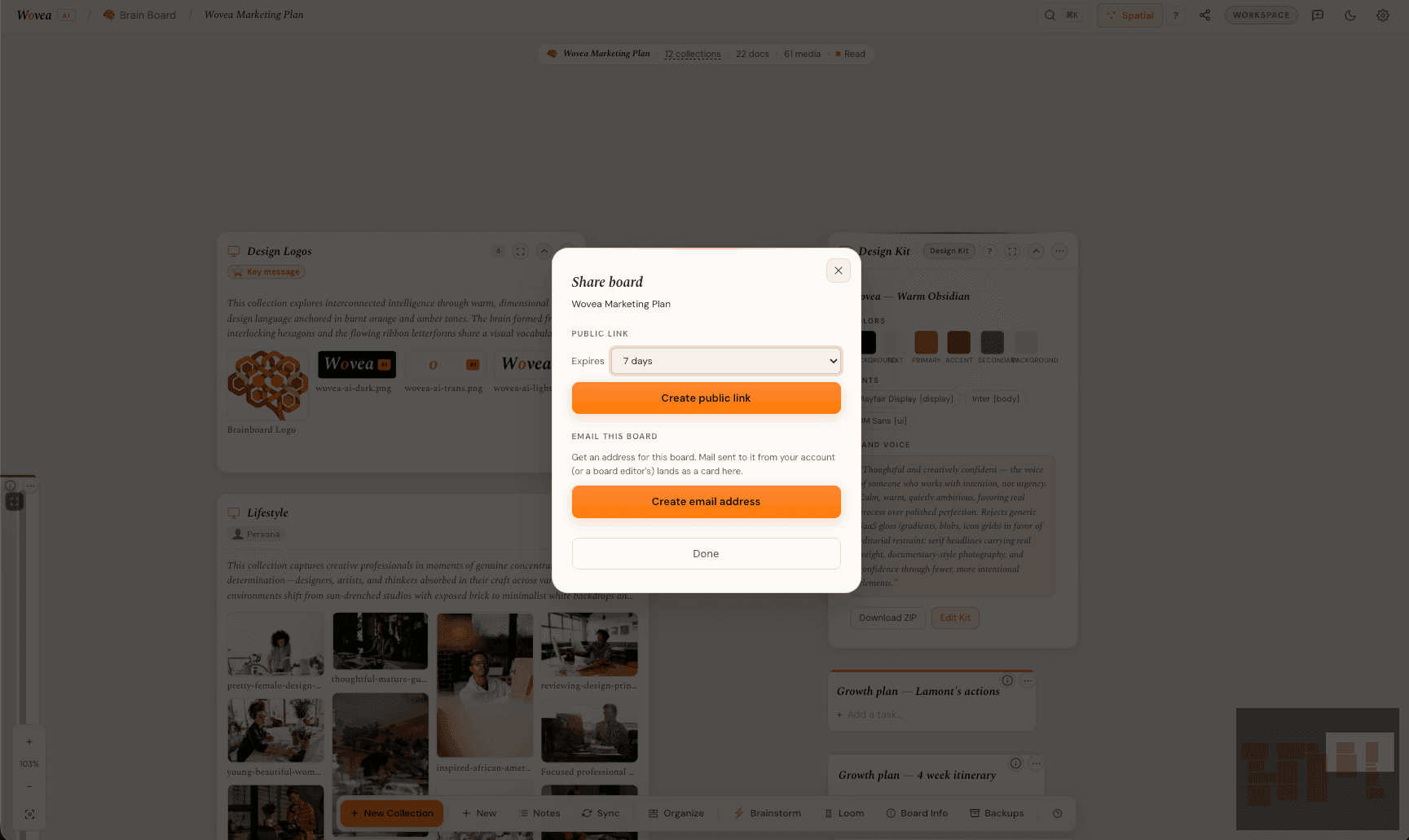
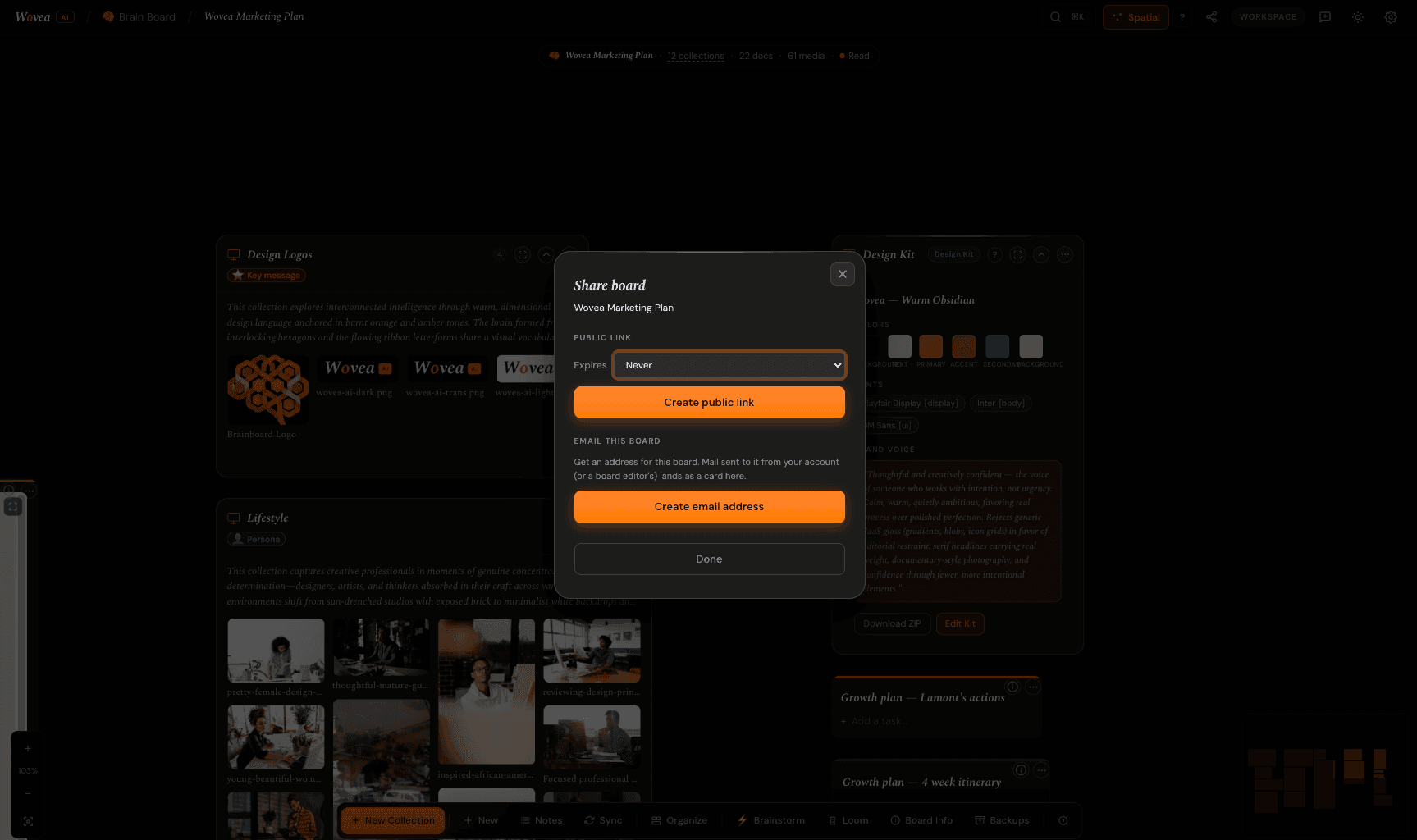
Publish to a public link you can send to anyone — no account needed to open it — or export the set as PNGs and post them wherever you post things.
The board stays yours and private. Publishing sends out a snapshot, not the workspace.
Where to go from here
The Harness
Grab images, regions, and whole galleries off any page and drop them straight onto a board.
Loom, properly
The longer version of step 8 — how the brief becomes a core, and the core becomes every channel.
Brain Boards
The canvas in depth — collections and layouts, card types, connections, and every way to get material in.
Quick answers
All questions →Wovea is a creative workspace where thinking becomes doing. It brings the three things creative work usually scatters across a dozen tools — capturing inspiration, writing, and publishing — into one connected place.
At its heart is the Brain Board: an infinite spatial canvas where you collect everything that inspires a project, then shape it into something finished.
Wovea is open to everyone. Create an account from the home page and your first Brain Board is a minute away — no invite, no credit card.
No. Wovea runs entirely in your browser — there's nothing to download. Sign in and your workspace is there. Native apps are on the roadmap, but the web app is the full experience.
Yes. Drag images, video, PDFs and documents straight onto a board, paste links to embed them, or paste rich text (including from Google Docs) directly into the editor with formatting intact.
Yes — the Wovea browser extension for Chrome saves images from any page directly into a board without leaving your tab. Turn on the Dropper and click any image to save it at full resolution, shift-drag to capture a screenshot of part of the page, or grab every image on a page at once. Everything lands in the board and collection you've set as your current destination.
Make the first board
It's free to start, and the fastest way to understand any of this is to put ten photos on a canvas and see what it says about them.
Start a boardLast updated August 2026 · Gather, shape, publish.