Turn a board
into things you
can actually send.
Loom takes the photos, notes, and references you've gathered on a Brain Board and shapes them into finished, on-brand output — a web page, a carousel, a stories set.

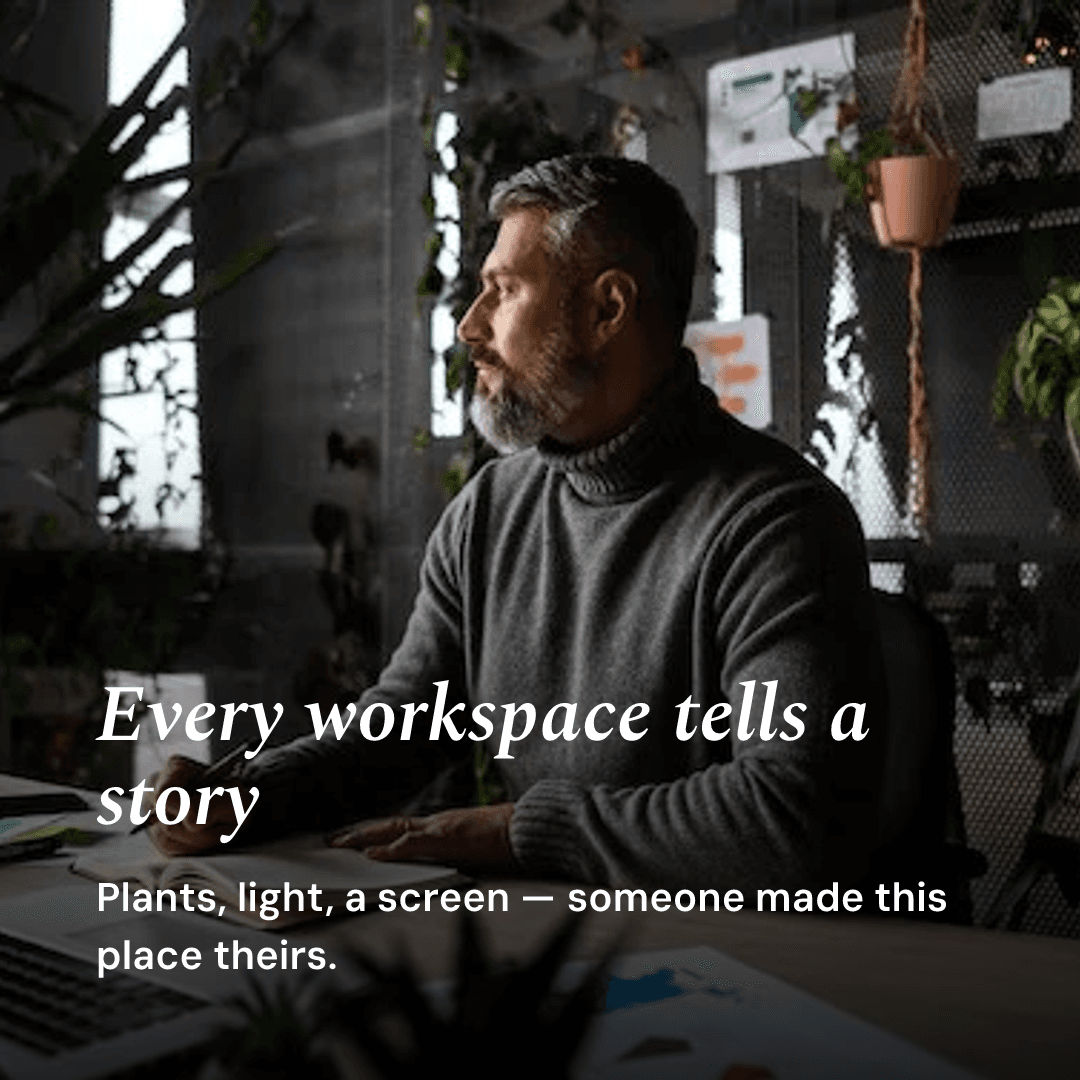

A board is where you gather. Loom is where you make something from it.
You don't start by picking a template and pouring content in. You start by saying what you're trying to say and who it's for. Loom settles that into a clear direction, then tailors the output to every channel — and keeps the look consistent across all of them.

Everything you start lives on the Shelf — leave and come back, resume a draft, reuse it, or duplicate it.
Four steps, in any order.
Across the top you'll see four steps. They're not a locked sequence — move between them freely as the piece takes shape.
Your efforts and published work. Start, resume, reuse, delete.
Say what this is, who it's for, and how it should feel.
Choose which collection(s) feed it, then pick a channel.
Draft, edit, and finish the actual output for your channel.
Style by describing, not by templating.
Don't choose a template. Type a vibe. Loom proposes a look — a plain-English plan and a live preview of real panels — and nothing changes until you accept it. A look sets everything at once: type, composition, framing, and photo grade.
Nothing changes until you accept. The look you choose is saved with the effort — still there when you reopen it later or on another device.
One core, shaped for each place it lands.
Pick a channel and Loom drafts it — then you refine: edit copy, rewrite a panel with AI, swap or reposition photos, reorder, and export.
Loom writes and lays out a page from your content — a hero, sections, your photos. Publish it to a public link you can share anywhere.


Everything persists. Finish later.
Every effort you start lives on the Shelf. Treat Loom as iterative — draft, step away, come back, sharpen. You don't have to finish in one sitting.
Habits that produce sharper output.
One or two more specific sentences here changes everything downstream. Lead with the objective, not the format.
Naming what it should not feel like steers Loom harder than a pile of positive adjectives.
One collection with a clear idea beats a grab-bag. If a piece feels muddled, narrow the content.
Type the feeling and read the plan. If the preview isn't right, adjust the words and propose again.
The web page and social set share one brief and core, so they stay on-message together.
Efforts live on the Shelf. Get a rough draft down, then come back and sharpen it.
What Loom is, and how it works.
What is Loom?
Loom is a feature of Wovea that turns a Brain Board — the photos, notes, and references you have gathered — into finished, on-brand output such as a web page, a carousel, or a stories set. It follows a Brief → Core → Channels flow: you say what the piece is and who it is for, Loom distills that into a core through-line, then drafts content shaped for each channel.
How does Loom style my output?
Instead of picking a template, you describe a vibe in plain English — for example “warm analog” or “bold minimal.” Loom proposes a look: a plain-English plan plus a live preview of real panels, and nothing changes until you accept it. A single look sets type, composition, framing, and photo grade all at once, and it is saved with the effort so it stays consistent across every channel.
What can Loom make?
Today Loom drafts a web page you can publish to a public link, a square 1:1 carousel, and a vertical 9:16 stories set — all from one brief and core so they stay on-brand together. You can export a carousel as PNG images in a .zip. Reels (video) and an email channel are on the roadmap.
Can I edit what Loom generates?
Yes. Every draft is editable: change copy, rewrite a panel with AI, swap and reposition photos, reorder or delete panels, and refine with a live preview before you publish or export.
Do I have to finish in one sitting?
No. Every effort you start lives on the Shelf, so you can draft, step away, and come back later — on any device — to resume, duplicate, reopen a published piece, or delete it.
Open a board.
Make something to send.
Brief → Core → Channels. Loom shapes what you've gathered into finished, on-brand output — and keeps it consistent everywhere.
Open Loom